Open Dental has more insurance verification tools built in than most offices use. If your team is still working from a printed schedule and a phone, a few setup changes can take hours off your week.
Here's how verification works in Open Dental, and how to make it faster.
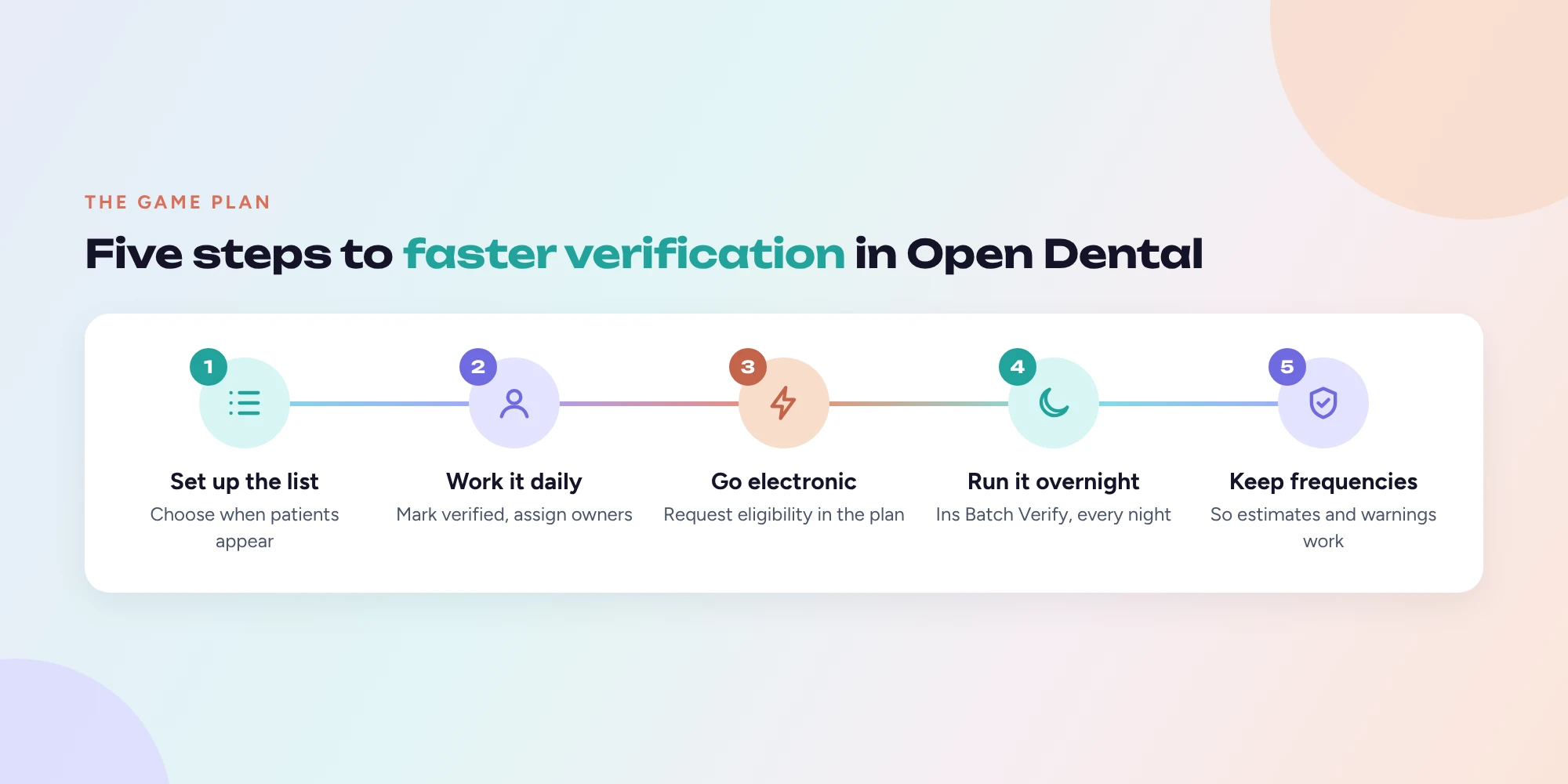
Step 1: Set up the Insurance Verification List
The Insurance Verification List is your team's to do list for verification. It shows which upcoming patients need their eligibility or benefits checked.
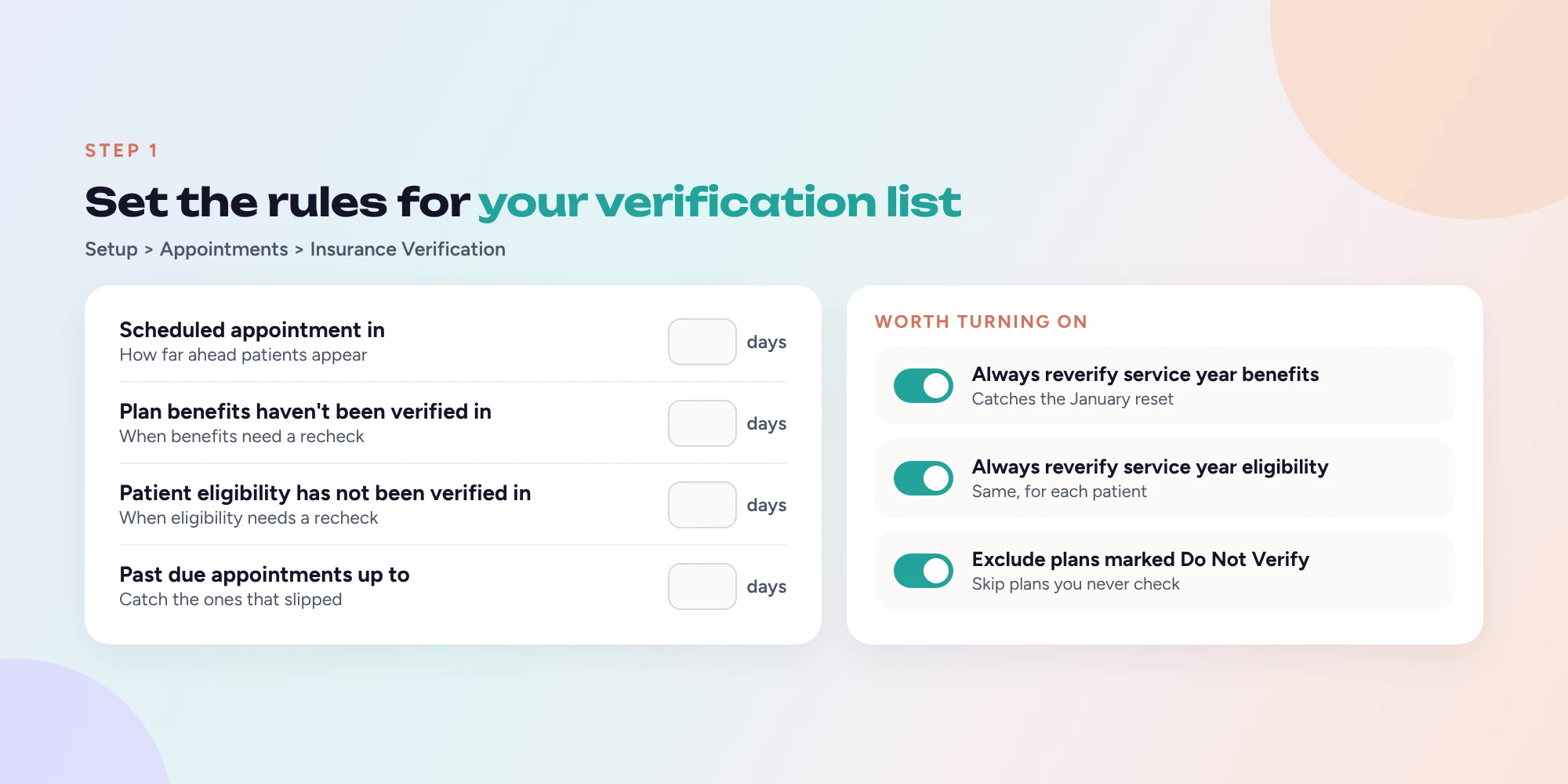
To set it up, go to Setup > Appointments > Insurance Verification. The key settings are:
- Scheduled appointment in (days): how far ahead to start listing patients.
- Plan benefits haven't been verified in (days): when a plan's benefits need rechecking.
- Patient eligibility has not been verified in (days): when a patient's eligibility needs rechecking.
- Past due appointments up to (days): how far back to catch appointments that were missed.
There's a separate set of the same fields for Medicaid, plus a few options worth turning on:
- Always reverify service year insurance benefits and Always reverify service year patient eligibility. These put a plan back on the list after its renewal date, which catches the January reset.
- Exclude patients with insurance plans marked as Do Not Verify. Useful for plans you never need to check.
Step 2: Work the list every day
To open the list, go to Appointment Lists and click Ins Verify. You'll see a Verification List tab with Current and Past Due views, and you can filter by days until the appointment, carrier, assigned user, status and more.
When something is verified, you can:
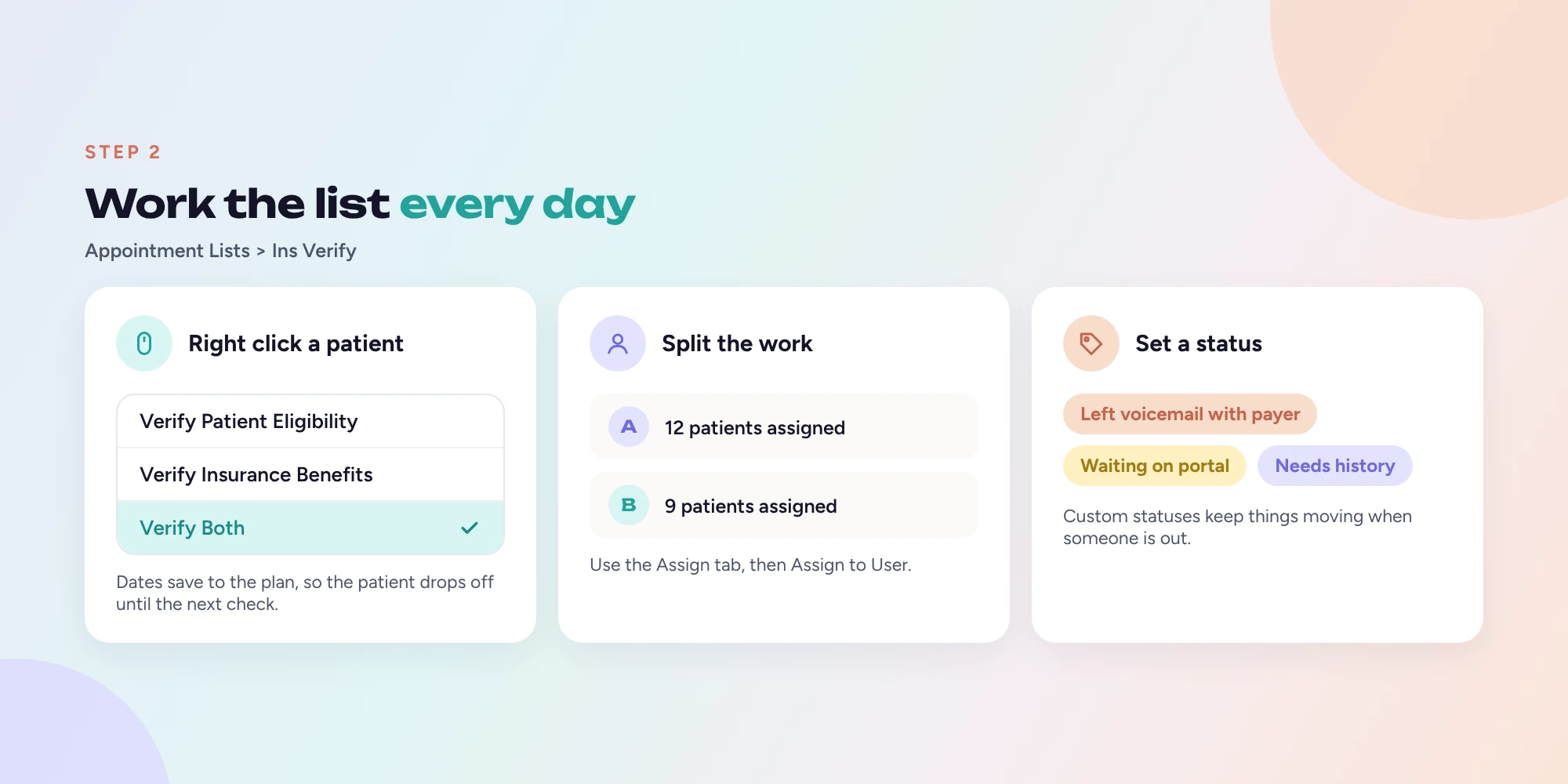
- Right click the row and choose Verify Patient Eligibility, Verify Insurance Benefits or Verify Both, or
- Use the Mark Patient Eligibility Verified and Mark Ins Benefits Verified buttons at the bottom.
Those dates are saved to the insurance plan, as Benefits Last Verified and Eligibility Last Verified, so the patient drops off the list until it's time to check again.
Tip: use the Assign Standard Verification tab to split the list between team members. Right click, choose Assign to User, and everyone knows exactly who owns which patients. You can also set custom statuses, like "Left voicemail with payer", so nothing slips through when someone is out.
Step 3: Use electronic eligibility instead of the phone
Open Dental can request eligibility electronically (the 270/271 transaction) through your clearinghouse. Supported vendors include ClaimConnect (DentalXChange), Electronic Dental Services (EDS) and Trojan.
To use it:
- Turn on real time eligibility with your clearinghouse vendor.
- In your Clearinghouses list, highlight the clearinghouse and click Eligibility to make it the default.
- Check that each carrier has the correct electronic ID.
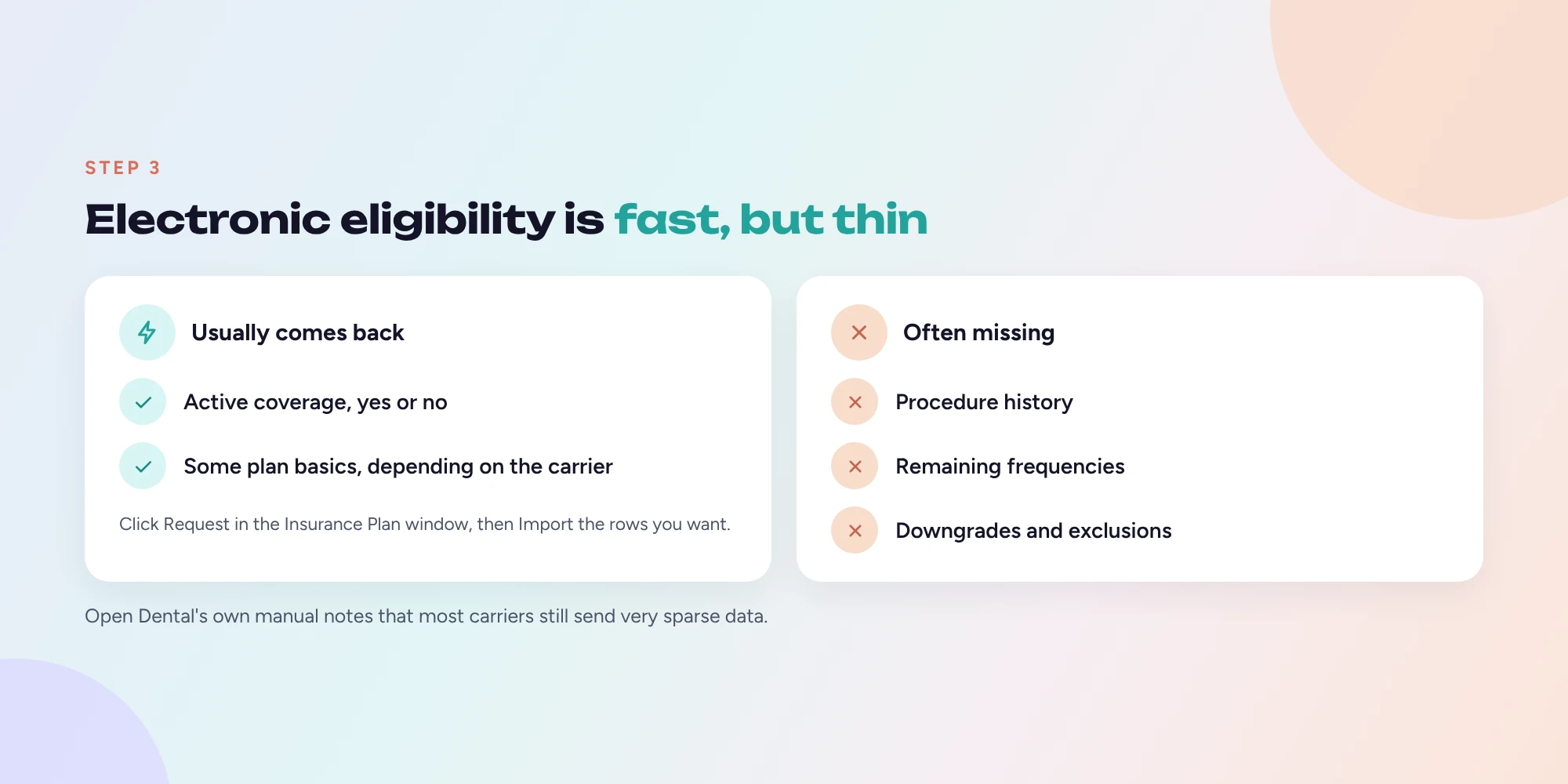
- In a patient's Insurance Plan window, click Request.
- Review the response, select the rows you want, and click Import to bring benefits into the plan.
The History button shows past requests, and a red warning appears if the group number doesn't match.
One honest caveat, straight from Open Dental's own manual: most carriers still send very sparse data, sometimes little more than yes or no on coverage. Electronic eligibility is great for confirming active coverage fast. It often won't give you frequencies, history or downgrades.
Step 4: Automate the overnight check
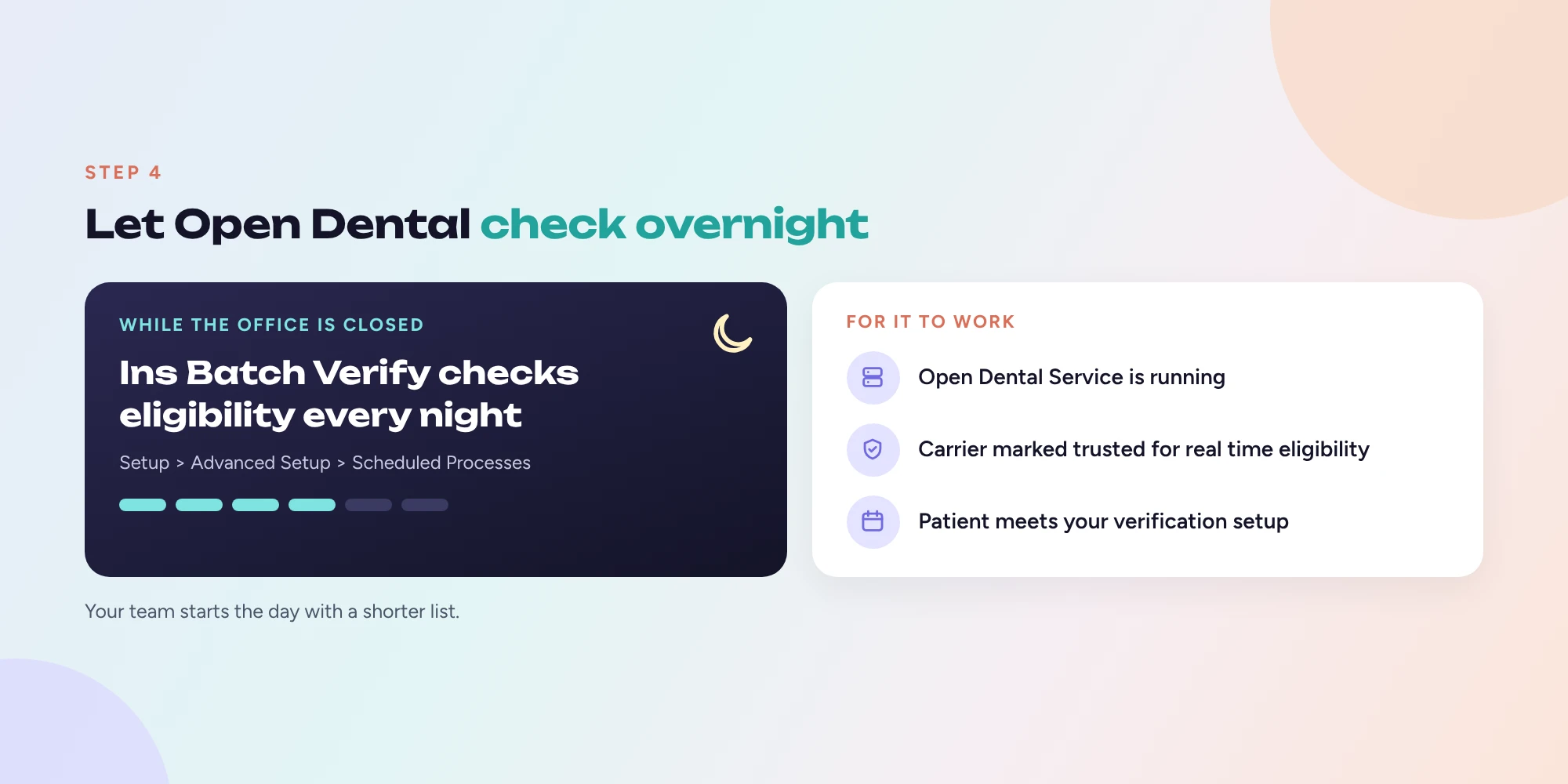
Open Dental can run eligibility checks automatically every night. Go to Setup > Advanced Setup > Scheduled Processes and add the Ins Batch Verify action. It runs daily for patients on your verification list.
For it to work:
- The Open Dental Service must be running.
- The carrier must have Is trusted for real-time eligibility checked.
- The patient must meet your Insurance Verification setup criteria.
This alone can clear a big chunk of the list before anyone gets to the office.
Step 5: Keep benefits and frequencies up to date
Open Dental can warn you about frequency limits, but only if the plan's benefits are filled in. Double click the Benefit Information grid in the Insurance Plan window to edit annual max, deductibles, percentages, waiting periods and frequency limitations (for example, every 5 years per tooth for crowns, or 2 per benefit year for exams).
With Enable Insurance Frequency Checking on, Open Dental uses these limits in treatment plan estimates and warns you when you schedule a procedure that has hit its limit. That's one of the easiest ways to prevent frequency denials.
Where it still slows down
Even with everything set up, there's a gap. Electronic eligibility tells you if a patient is covered. It usually doesn't tell you what you need to avoid denials: procedure history, remaining frequencies, downgrades and exclusions. Getting those still means logging into payer portals, one patient at a time, and typing the answers back into Open Dental.
That's the part that eats the most time, and it's the part most worth automating.
The bottom line
Set up the verification list, turn on electronic eligibility and batch verify, and keep frequencies current. That gets most offices from chaos to a manageable daily routine. For the rest, look for tools that fill in the details electronic eligibility leaves out.
Dental Maverick works with Open Dental to automate insurance verification and the work that follows it. Get started at dentalmaverick.ai.